Large-folder performance
Optimized file loading and thumbnails keep browsing responsive in folders with large image collections.
 FlowVision
 Open-source media browser for macOS
Browse images and videos on your Mac, and organize local files with familiar controls.
Free, open source, and built for local files.
Why FlowVision
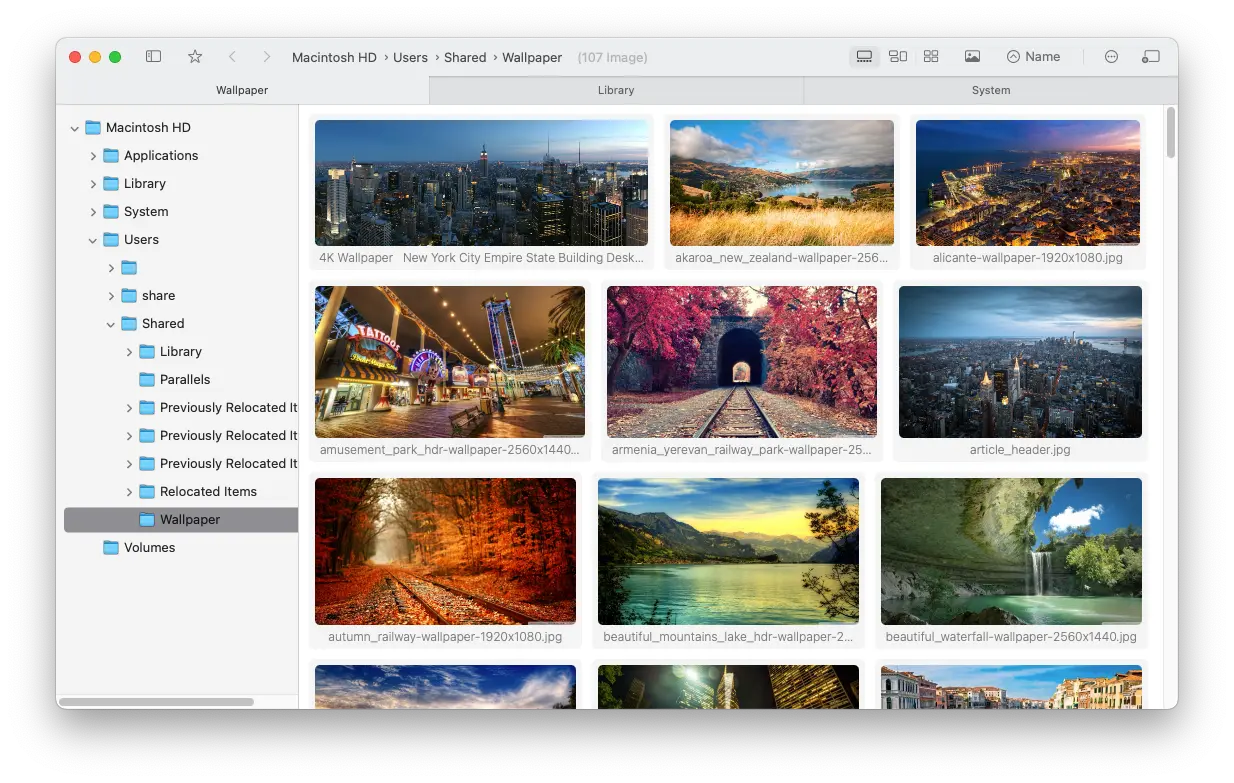
From loading thumbnails to moving and renaming files, spend less time waiting and switching apps.
Optimized file loading and thumbnails keep browsing responsive in folders with large image collections.
Move, copy, and rename files, add tags and ratings, and organize as you browse with familiar Finder-style controls.
FlowVision browses local files without collecting user data or uploading your images and videos. The source code is available under GPL-3.0.
Screenshots
Flexible image layouts, familiar file controls, and video previews right where you need them.
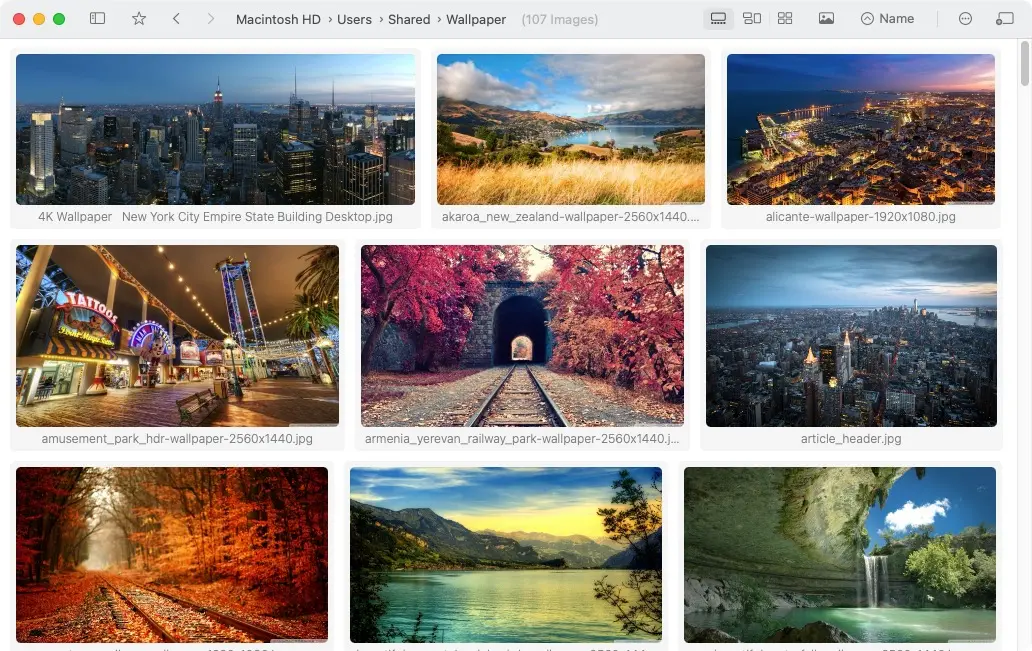
Adaptive layouts
Waterfall and grid layouts bring portraits, landscapes, and mixed image sizes into a clear view, so you can quickly find what you need.
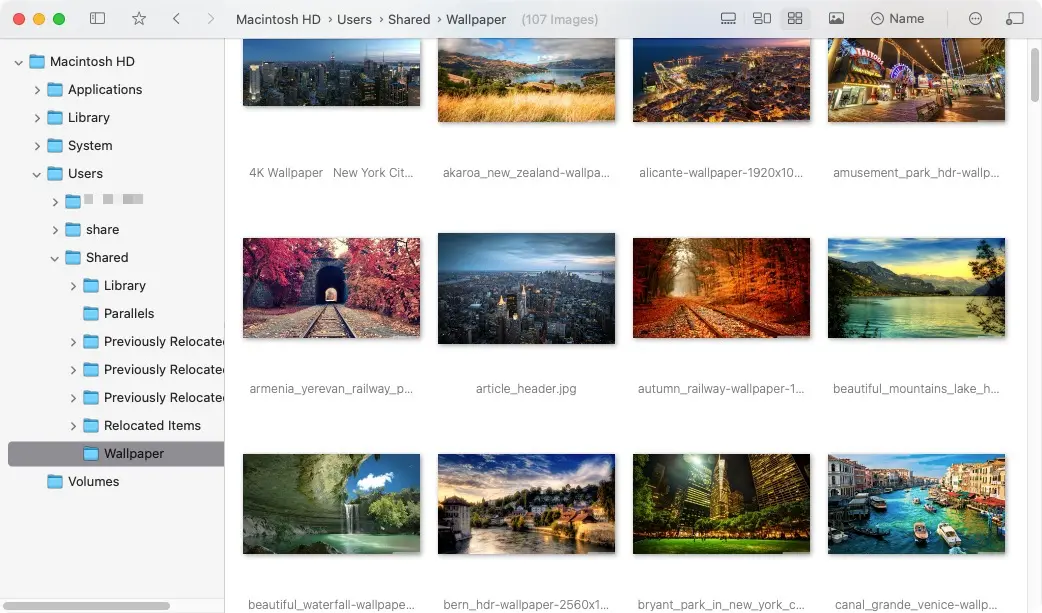
Familiar file management
Move, copy, and rename files, add tags and ratings, and organize as you browse with familiar Finder-style controls.
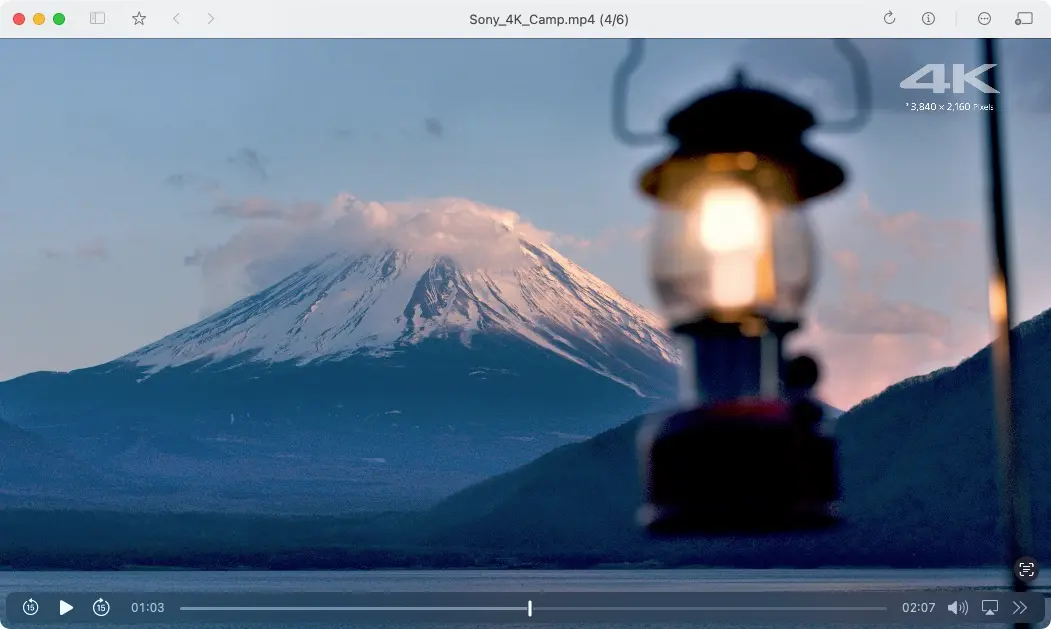
Video preview
View images and preview videos in the same browser, without switching apps as you explore mixed media folders.
Why FlowVision
Right-click gestures and side-button navigation help you jump between folders without breaking flow.
Clearer zoom and scaling reduce artifacts such as moire while inspecting detailed images.
View HDR images with richer color and detail on supported macOS displays.
Browse images across subfolders to review files from different directories in one place.
Privacy and source
FlowVision browses local files without collecting user data or uploading your images and videos. The source code is available under GPL-3.0.
View source Download
Download for free or install with Homebrew.